Create the Perfect Facebook Caricature Avatar
Make your Facebook profile unforgettable with a custom AI caricature avatar. Step-by-step guide to creating, optimizing, and setting up your cartoon profile picture.


Thousands of Facebook users already switched to caricature avatars
Create Your Caricature
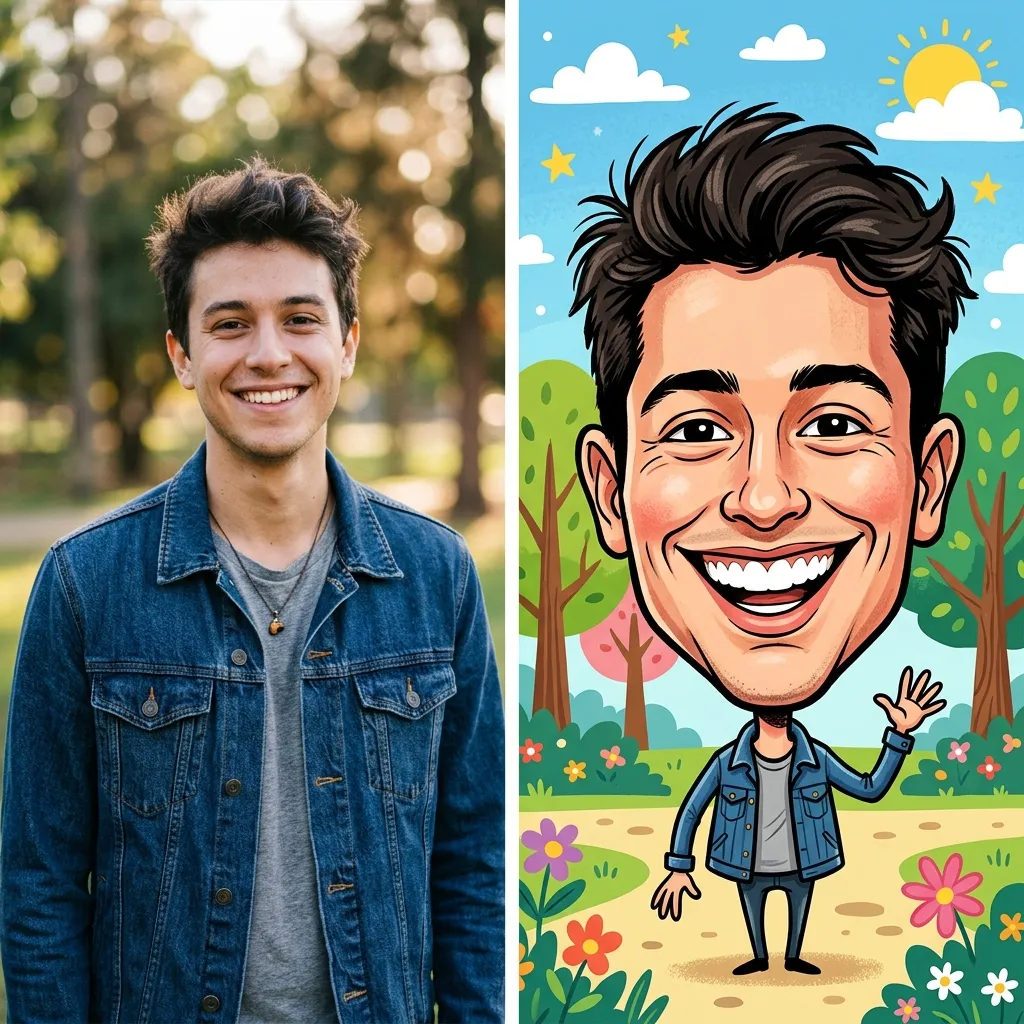
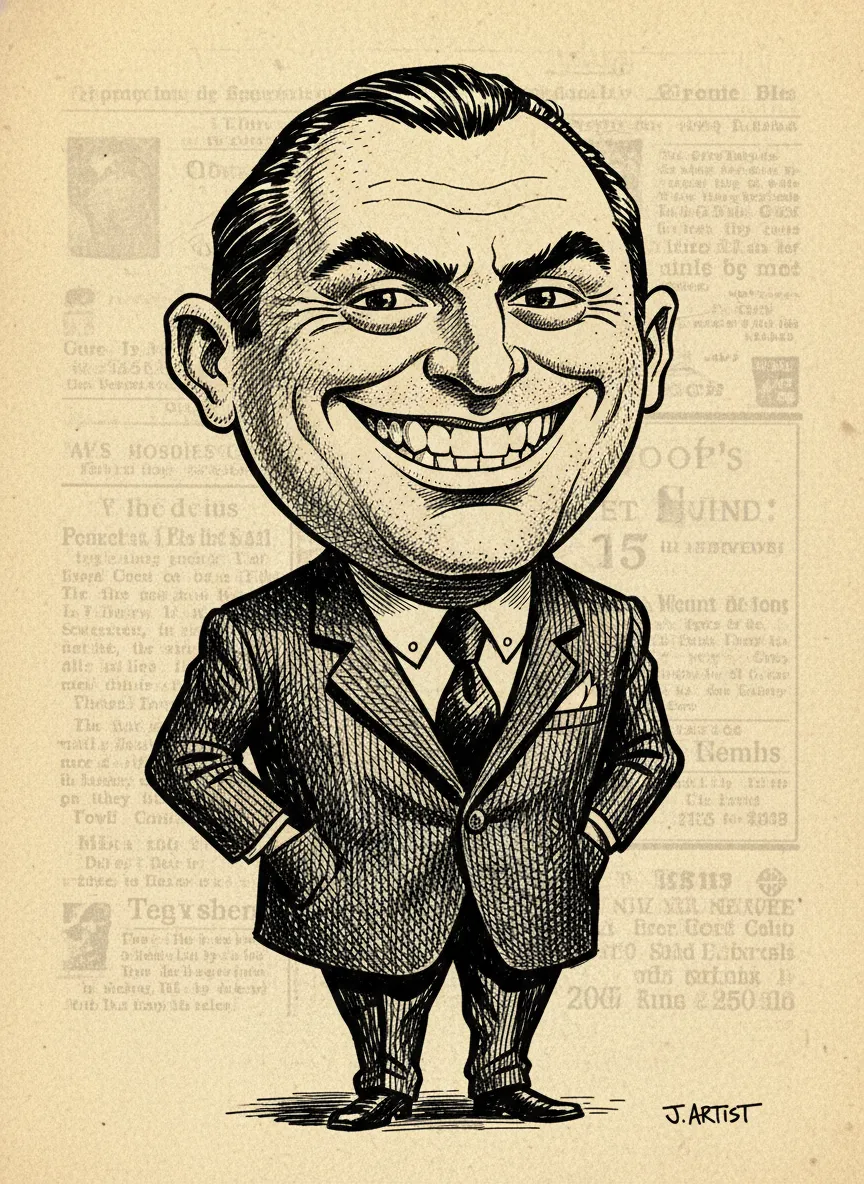
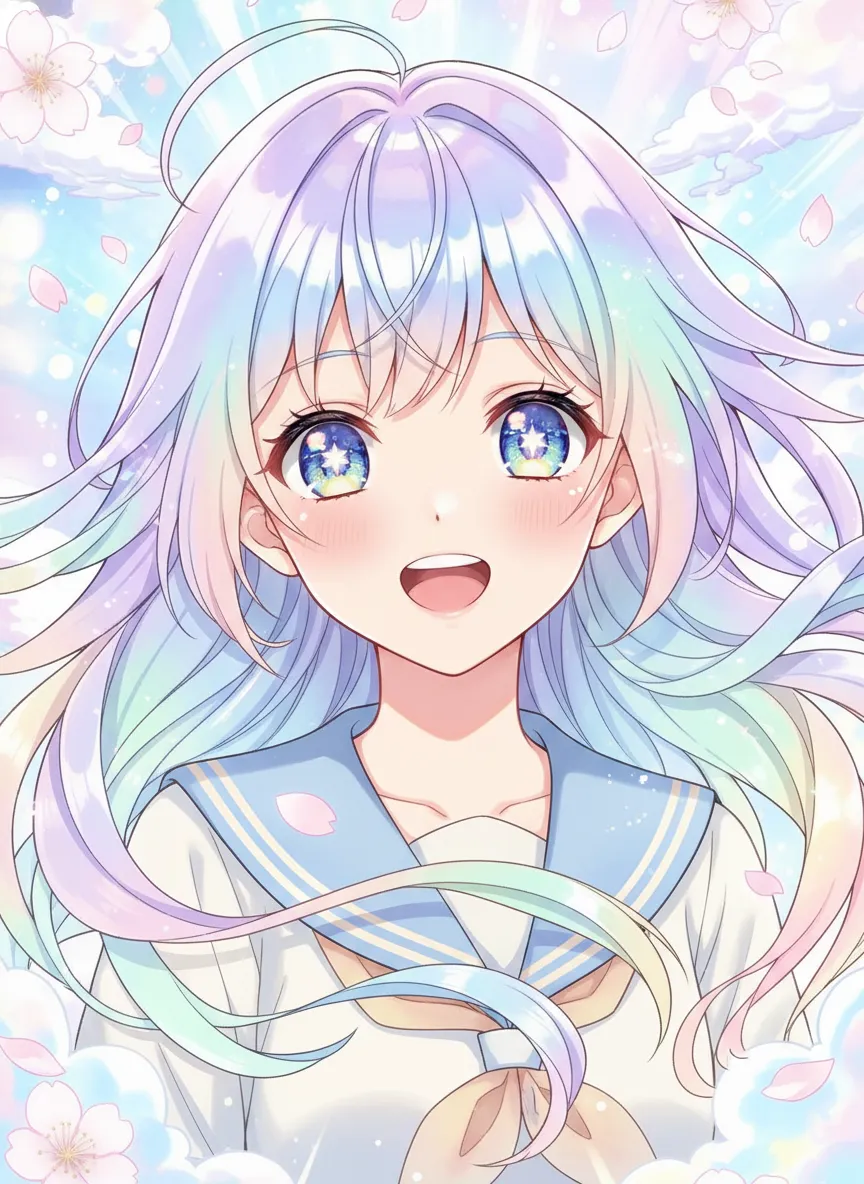
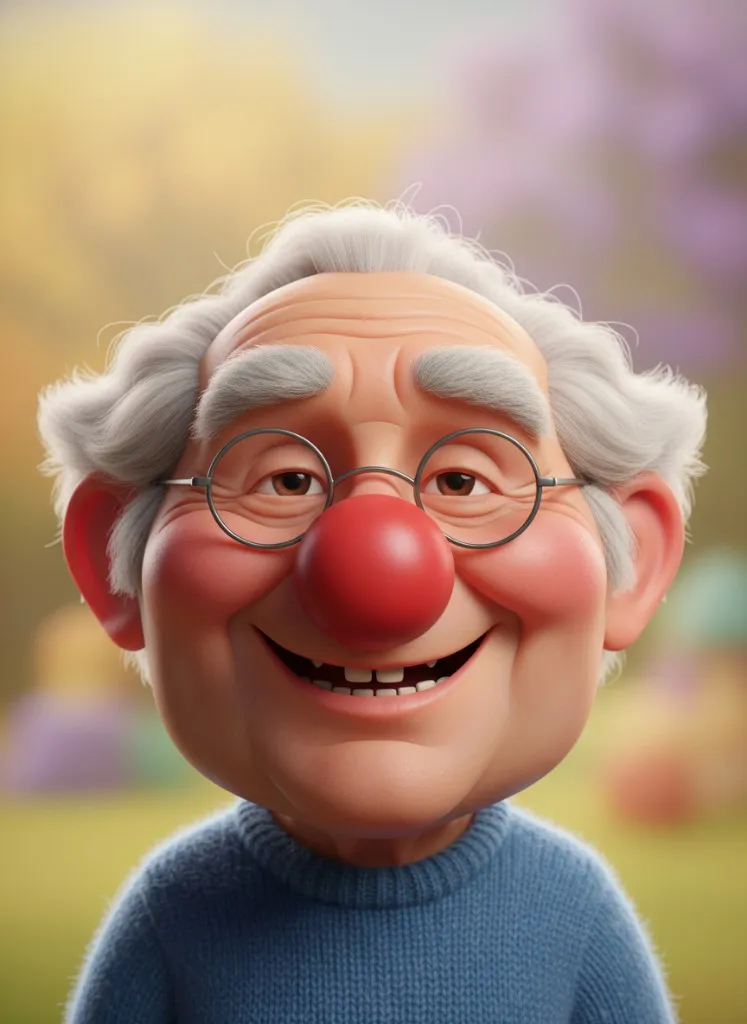
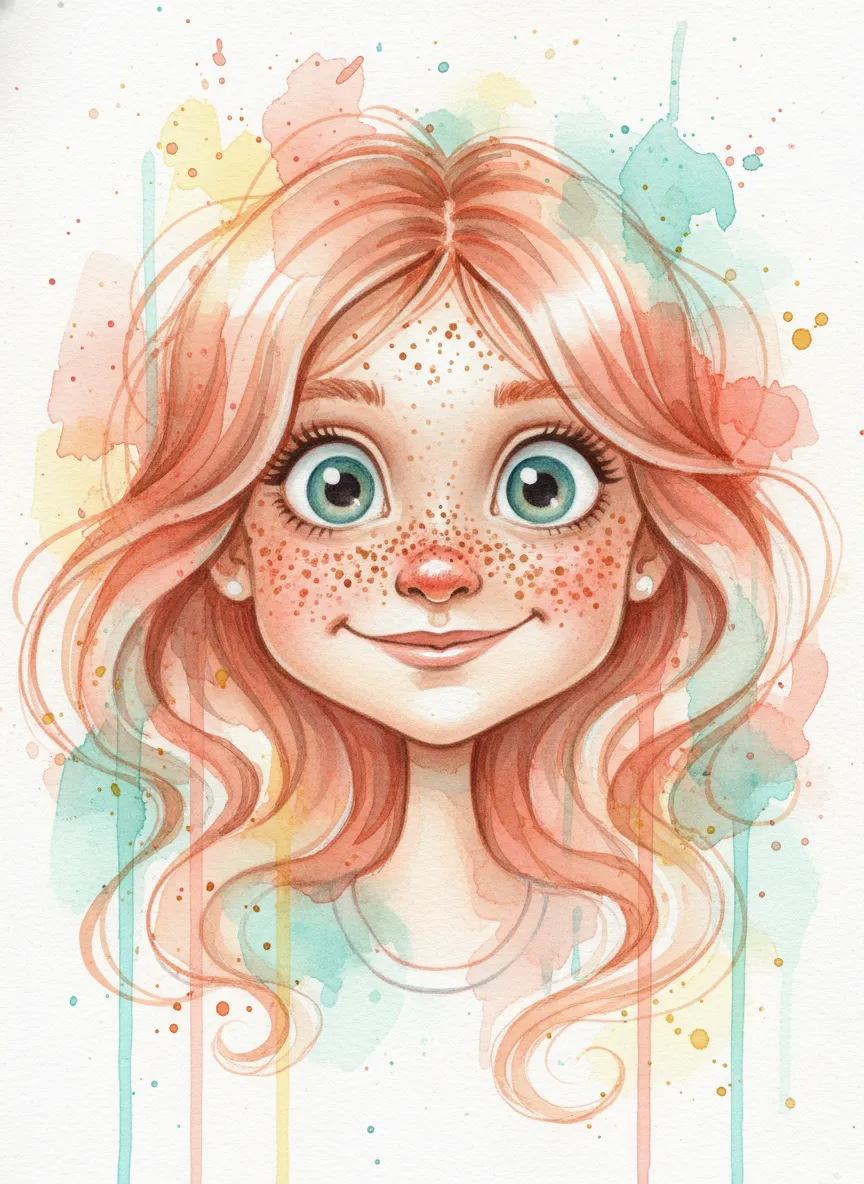
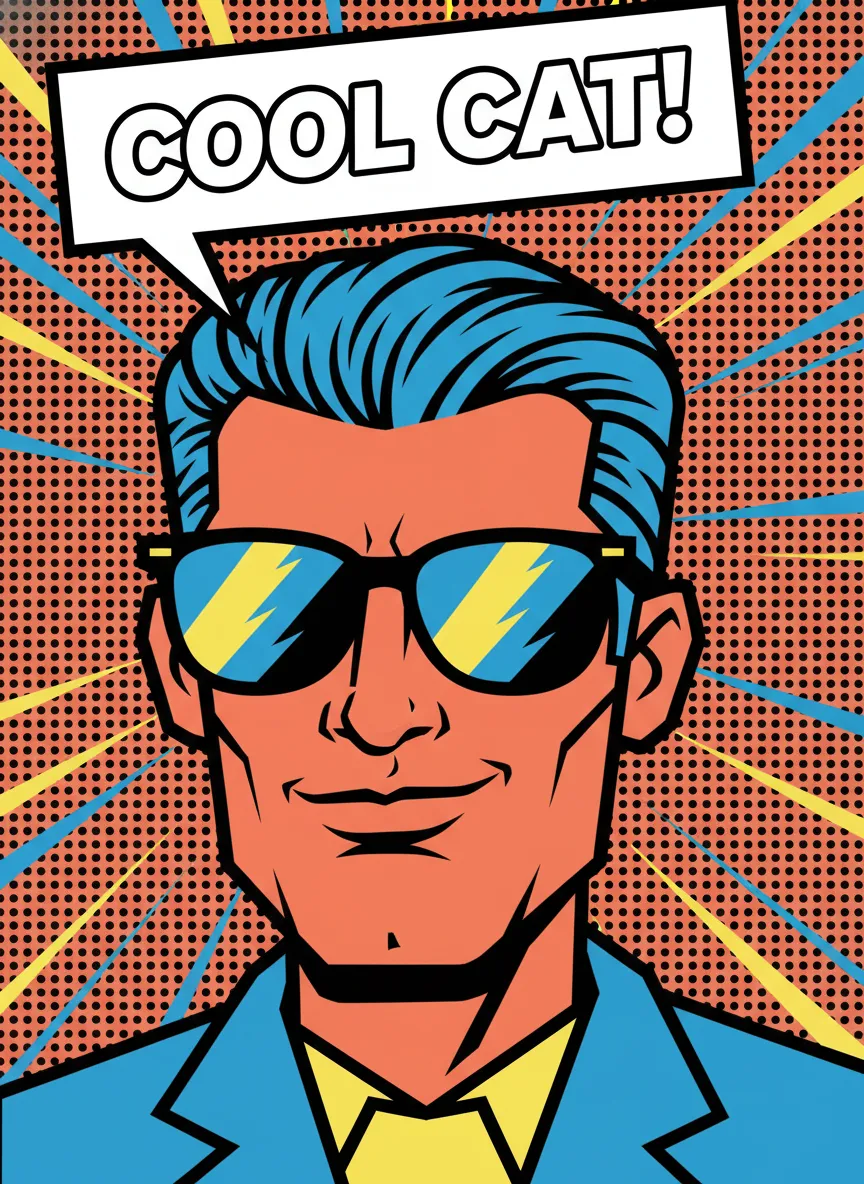
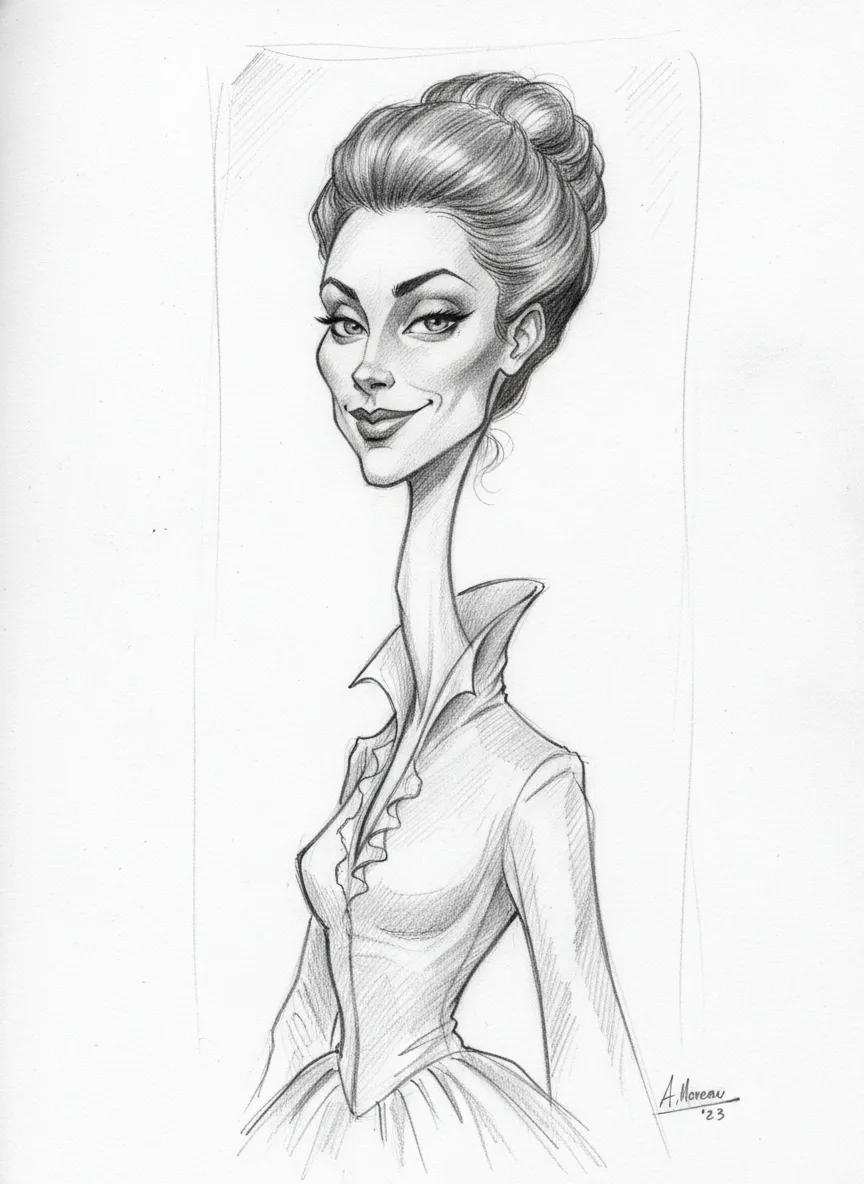
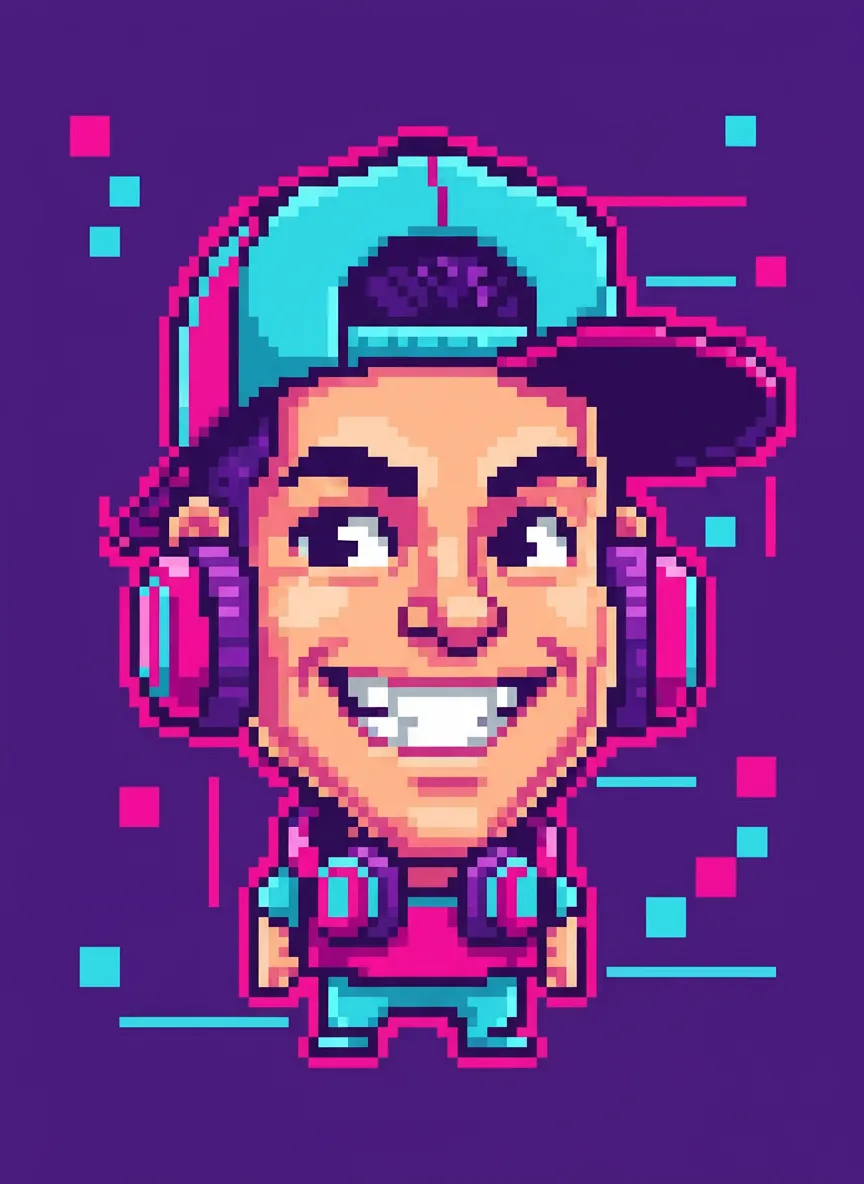
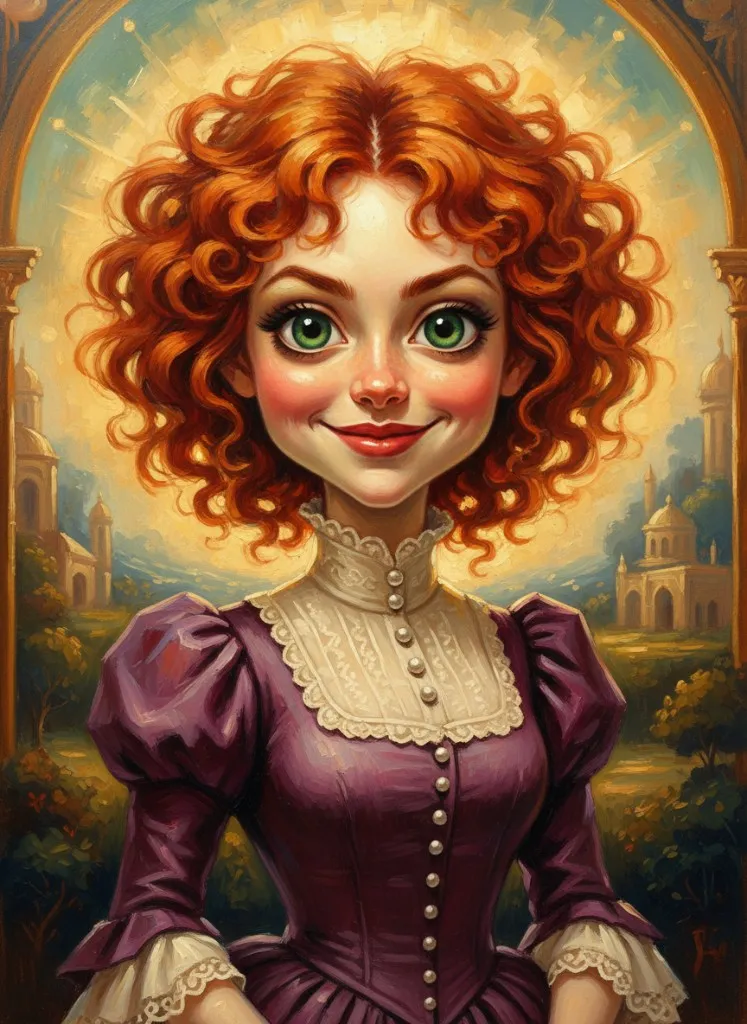
Click any style to auto-fill prompt
Set Up Your Facebook Caricature in 4 Steps
From photo to Facebook profile picture in under 2 minutes — here is exactly how to do it:
Upload Your Best Selfie
Choose a clear, well-lit selfie. Front-facing portraits work best for Facebook caricature avatars. The AI needs to see your facial features clearly to create a recognizable cartoon version.
Select a Facebook-Friendly Style
Choose a caricature style that works well in small circular crops — 3D Pixar and classic cartoon styles are the most popular for Facebook because they remain clear and eye-catching at thumbnail size.
Download in the Right Size
Download your caricature in high resolution. Facebook displays profile pictures at 176x176px on desktop and 196x196px on mobile, but recommends uploading at least 320x320px for optimal quality.
Update Your Facebook Profile
Go to your Facebook profile, tap 'Update Profile Picture', upload your caricature, and adjust the circular crop. Your new cartoon avatar is now live across all of Facebook — comments, Messenger, groups, and more!
Why Facebook Caricature Avatars Work
Facebook caricature avatars are not just fun — they provide real, measurable benefits for your social presence and online engagement on the platform.
Facebook-Optimized Caricature Features
Everything is built to create the perfect caricature for Facebook's specific requirements and formats.
Profile Picture Ready
Export at 320x320px or higher for crisp Facebook profile pictures that look great in circular crop on all devices.
Cover Photo Caricatures
Create wider 820x312px caricature scenes for Facebook cover photos that complement your profile avatar.
30+ Cartoon Styles
Choose from 3D Pixar, anime, classic cartoon, watercolor, and more styles optimized for Facebook's display format.
Family and Group Sets
Create matching caricature avatars for family members. Coordinated cartoon styles make group photos more fun.
Seasonal Themes
Create holiday-themed Facebook caricatures — Christmas, Halloween, Valentine's, and seasonal updates to keep your profile fresh.
Instant Generation
Your Facebook caricature is ready in under 10 seconds. No waiting, no complex software — just upload, style, and download.
Facebook Caricature FAQ
Common questions about creating and using caricature avatars on Facebook.
Get Your Facebook Caricature Avatar Today
Join thousands of Facebook users who upgraded to caricature avatars. Create yours in seconds — free for new users!